
TigerVNC
Remote Access and Support Tools
Alternative Vendors


Commercial Alternatives


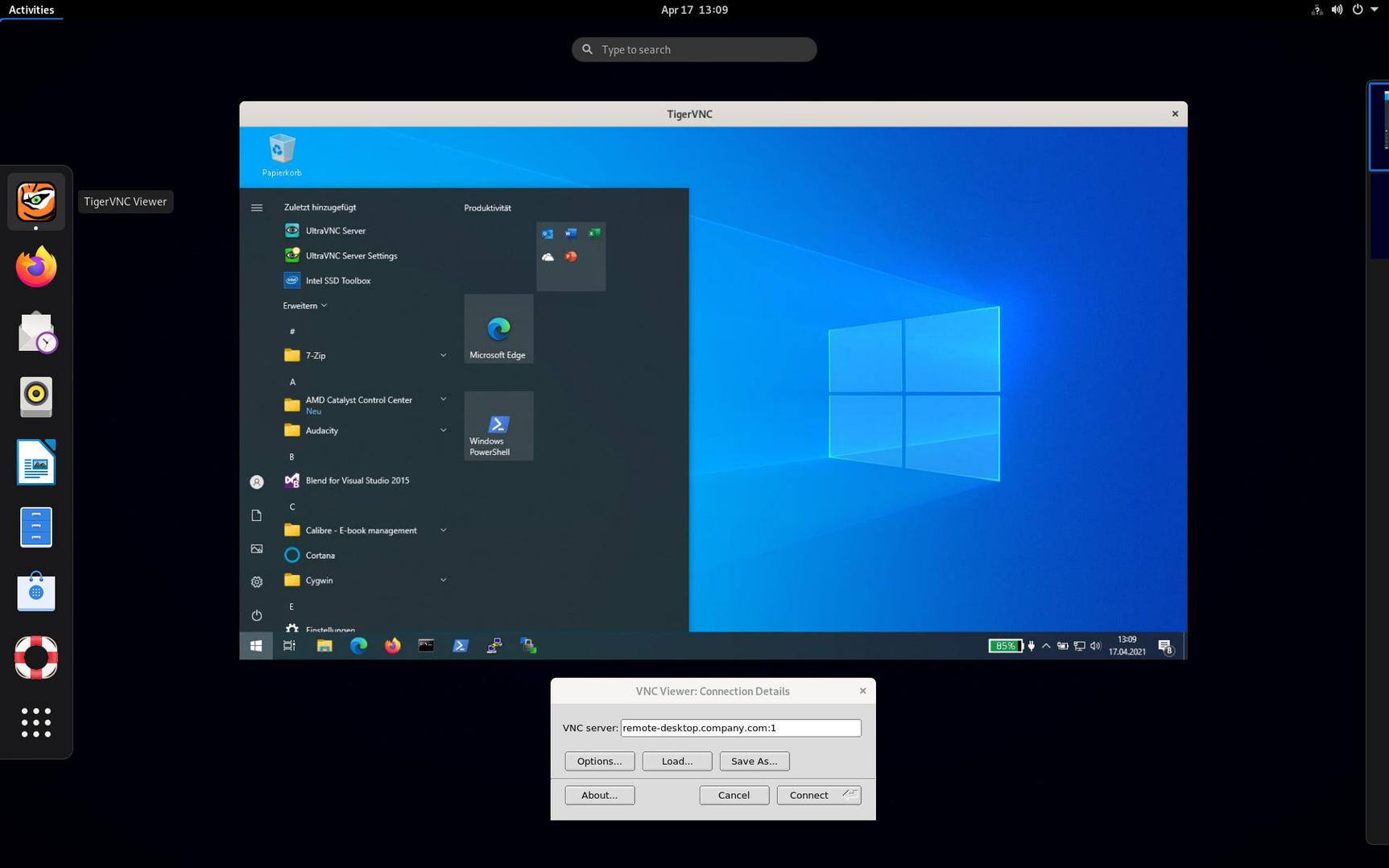
Key Features
Advanced Authentication
Support for multiple authentication methods including VncAuth, Apple Diffie-Hellman, and UltraVNC MSLogonII
TLS Encryption
Encrypts connections with TLS (anonymous or X.509) or RSA-AES.
Cross-Platform Support
Viewer for Linux, Windows and macOS plus a Java viewer; servers run on Linux and other Unix-like systems.
Hardware Acceleration
Since 1.14, Xvnc supports hardware-accelerated OpenGL and Vulkan on drivers that support GBM.
High-Performance Remote Access
Tight encoding accelerated with libjpeg-turbo for responsive sessions on LAN and WAN links.
Virtual Desktops (Xvnc)
Runs independent virtual X desktops per user, managed with vncsession and systemd.
Pros and Cons
Pros
Free and Open Source
Free under the GPL version 2 with no paid edition.
High Performance
libjpeg-turbo accelerated Tight encoding makes it one of the faster VNC implementations.
Built-in Security
TLS and RSA-AES encryption are built in, without an SSH tunnel.
Cross-Platform Compatibility
The viewer runs on Linux, Windows and macOS.
Active Maintenance
Regular releases, including 1.16 in January 2026 and prompt security fixes (1.16.2, March 2026).
Cons
No Maintained Windows Server
The Windows server (winvnc) has been unmaintained since version 1.11.0, so Windows hosts need another VNC server.
Basic Feature Set
No file transfer, chat, session recording or unattended access broker, features MSP remote support tools include.
Community Support Only
No commercial support contract; help comes from mailing lists and GitHub issues.
Basic Interface
The viewer UI is minimal compared with commercial remote desktop clients.
Feature Comparison
Comments
No reviews yet. Be the first to share your experience with TigerVNC.
Frequently Asked Questions
/vendor/tigervnc