
Splashtop Remote Support
Remote Access and Support Tools
Alternative Vendors


Commercial Alternatives


Key Features
Security Controls
TLS and 256-bit AES encryption, device authentication, two-step verification, and SSO and IP allowlisting on Enterprise.
Attended and Unattended Access
On-demand support for any computer or mobile device through a 9-digit SOS session code, and unattended access to managed computers through the Splashtop Streamer.
High-Performance Remote Access
Responsive sessions with hardware acceleration and optional end-to-end QUIC connections.
Cross-Platform Support
Supports Windows, macOS and Linux computers plus iOS and Android devices, with technician apps on desktop and mobile.
File Transfer and Collaboration
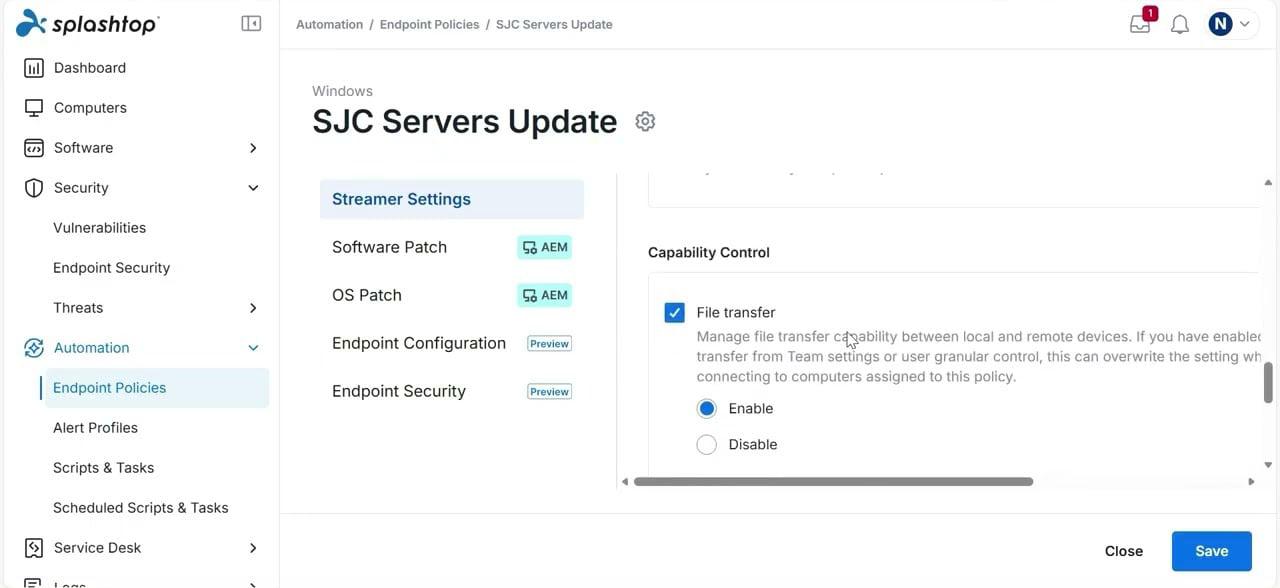
File transfer, in-session chat, voice call and up to three technicians in one session.
Multi-monitor support
Displays multiple remote monitors simultaneously or switches between them, with automatic detection of monitor configuration changes during sessions.
Pros and Cons
Pros
Per-Technician Pricing
SOS starts at $259 per technician per year with up to 300 managed computers, usually cheaper than TeamViewer or ScreenConnect for small teams.
Easy Setup and Deployment
Streamer deployment packages and the web console make rollout to client machines quick.
Excellent Performance
Fast, low-latency sessions with hardware acceleration and QUIC support.
Comprehensive Feature Set
File transfer, session recording, multi-monitor, elevate-to-admin and background actions are included in SOS.
Security features
Two-step verification, device authentication, and SOC 2 and ISO 27001 attestations stated by Splashtop.
Cons
Connection Reliability Issues
Some users report occasional disconnections; QUIC and legacy-compatible modes exist to work around network issues.
Add-ons for RMM features
Patching, monitoring, antivirus and EDR are paid add-ons rather than part of the base plan.
Managed computer limits
Unattended access is capped per license (10 or 300 computers, up to 1,200 on SOS), so larger fleets need Enterprise pricing.
Key controls on Enterprise only
SSO, granular permissions, IP allowlisting, cloud recording and APIs require the quote-based Enterprise plan.
Feature Comparison
Comments
No reviews yet. Be the first to share your experience with Splashtop Remote Support.
Frequently Asked Questions
/vendor/splashtop