Flamingo Raises $4.5M to Get MSPs Out of the Ticket Queue · Our seed round, led by Vertex Ventures, funds OpenFrame: open-source tools plus AI agents that answer tickets with technician oversight.

ConnectWise ScreenConnect
Remote Access and Support Tools
Alternative Vendors


Commercial Alternatives


Key Features
Secure Remote Access
Provides secure remote desktop control with 256-bit AES encryption, multi-factor authentication, and role-based permissions to ensure data privacy and compliance with industry regulations.
Multi-Monitor Support
Seamlessly work across multiple monitors on remote systems, enhancing visibility and productivity for technicians during support sessions.
File Transfer & Deployment
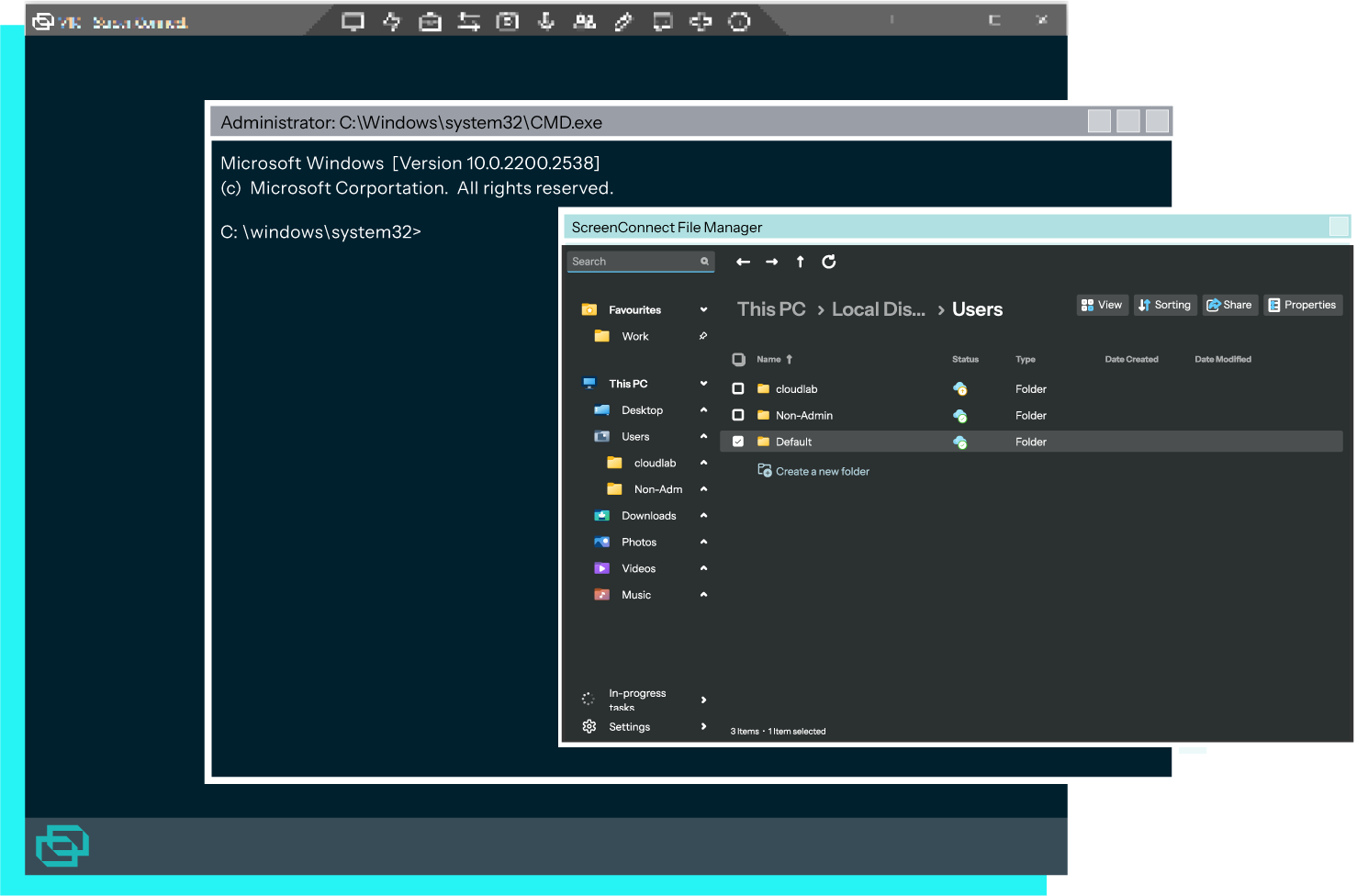
Secure file transfer capabilities between local and remote systems, plus remote software deployment and configuration management features.
Unattended Access
Establish secure connections to unattended systems for proactive maintenance and support without requiring user interaction.
Mobile Device Support
Compatible with iOS and Android mobile devices, allowing technicians to provide support from anywhere using mobile apps.
Pros and Cons
Pros
Intuitive User Interface
Clean, user-friendly interface that minimizes learning curve and enables technicians to quickly access needed tools without complex navigation.
Strong Security Features
Robust encryption, multi-factor authentication, and comprehensive audit logging ensure secure remote access and compliance requirements.
Collaborative Sessions
Multiple technicians can join single support sessions to collaborate on complex issues and share knowledge effectively.
Cons
Performance Lag
Users report occasional slow response times and lag during remote sessions, particularly with graphics-intensive applications.
Limited Free Trial
Only offers 14-day trial period which may not be sufficient for thorough evaluation of all features and integration capabilities.
Complex Initial Setup
Some users encounter difficulties with initial setup and configuration, particularly on Mac and Linux systems with firewall conflicts.
Feature Comparison
Comments
No reviews yet. Be the first to share your experience with ConnectWise ScreenConnect.