
Clonezilla
Backup and Disaster Recovery
Alternative Vendors


Commercial Alternatives


Key Features
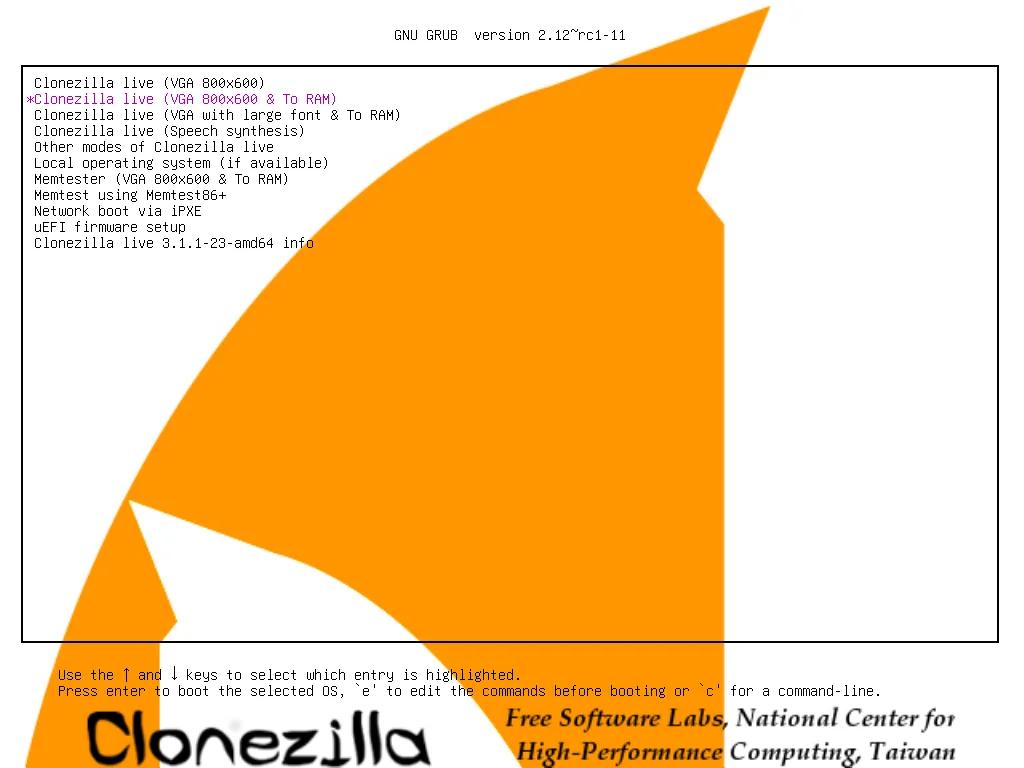
Live boot imaging and cloning
Boot from USB or DVD to save, restore or clone disks and partitions without installing anything.
Mass deployment
Clonezilla lite server and Clonezilla SE restore an image to many machines at once (40 plus) via multicast, broadcast or BitTorrent.
Used-block copying
Only used blocks are saved and restored for supported file systems, reducing image size and time.
Wide file system support
Linux, Windows (FAT, NTFS), macOS (HFS+, APFS), BSD UFS and VMware VMFS file systems; sector copy for others.
Flexible image storage
Images can be stored on local disks or network shares over SMB, NFS, SSH and WebDAV.
Image encryption
AES-256 image encryption with eCryptfs.
Pros and Cons
Pros
Free and open source
GPLv2 licensed with no paid editions.
Fast mass deployment
Multicast deployment images many machines at once.
Works on almost any OS
Images Windows, Linux, macOS and BSD systems.
No installation needed
Runs from live media, so target systems need no agent.
Actively maintained
Frequent stable and testing releases of Clonezilla Live.
Cons
Text-based menus
The ncurses interface and options assume technical users.
No incremental backups
Each image is a full image; not a replacement for a backup product.
No scheduling or central management
Jobs are started manually from boot media; no console, agent or reporting.
Restore target size limits
Restoring to a smaller disk needs extra steps and is not always possible.
Feature Comparison
Comments
No reviews yet. Be the first to share your experience with Clonezilla.
Frequently Asked Questions
/vendor/clonezilla