
Macrium Reflect
Backup and Disaster Recovery
Alternative Vendors


Commercial Alternatives


Key Features
Full, Differential, and Incremental Imaging
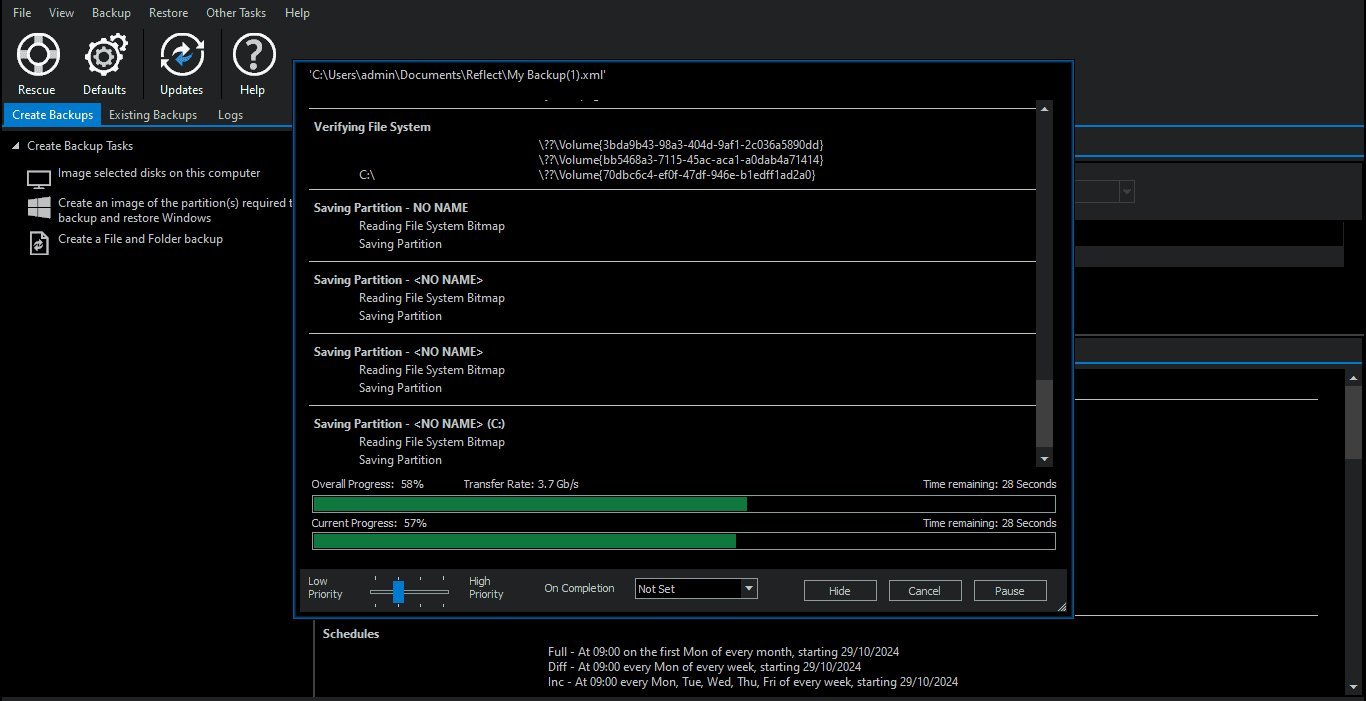
Create complete disk images or run differential and incremental backups to save storage and time. Backups are compressed and mountable – you can browse files inside an image without doing a full restore.
Bare-Metal Restore with ReDeploy
Restore a full system image to the same or dissimilar hardware using Macrium ReDeploy. Useful for hardware failures, migrations, or swapping out machines without reinstalling everything from scratch.
Disk Cloning
Clone entire disks or individual partitions for hardware upgrades, SSD migrations, or creating identical machine setups. Works with both MBR and GPT partition styles.
Scheduled and Automated Backups
Set up automated backup schedules with retention policies that manage full, differential, and incremental sets. Macrium handles cleanup automatically so you don't run out of disk space.
SiteBackup Centralized Management
For larger deployments, SiteBackup provides a centralized console to manage backup agents across multiple machines. Designed for MSPs and IT teams managing fleets of endpoints and servers.
Ransomware Protection
Macrium Image Guardian restricts backup file access so only Macrium processes can write to backup destinations. Prevents ransomware from encrypting or deleting your backup images.
Pros and Cons
Pros
Fast and Reliable Imaging
Consistently one of the fastest backup tools in testing. Users report backing up and verifying a 100GB drive in under 5 minutes on USB4. Restores are equally fast – the reliability over years of use is the main reason people stick with it.
Proven Track Record
In production since 2006 with a large user base. Many MSPs and IT pros have used Macrium for 5–10+ years. Restore reliability is the standout – failed restores are extremely rare compared to competitors like Acronis.
Ransomware Protection Built In
Image Guardian locks down backup destinations at the file system level. Only Macrium processes can modify backup files, which prevents ransomware from encrypting or deleting your images.
Flexible Licensing Options
Subscription plans at 1, 3, and 5-year terms plus an LTSC perpetual option for regulated environments. Technician's License runs from USB for field work. Home users get a 4-pack deal at the price of 2 licenses.
Hyper-V Boot for DR Testing
Boot any backup image as a Hyper-V VM to verify restores or provide emergency system access while hardware is down. A real time-saver for disaster recovery testing.
Cons
No Cloud Backup Option
All backups go to local, network, or USB drives. No native cloud destinations. If you need offsite cloud backup, you'll need to pair Macrium with a separate tool like Backblaze B2 or a cloud sync utility.
Windows Only
No macOS or Linux agents. If you manage mixed-OS environments, Macrium only covers the Windows side of your fleet. You'll need a second tool for everything else.
Free Version Discontinued
Macrium ended the free edition in January 2024. The 30-day trial is now the only free option. This pushed a lot of users toward AOMEI Backupper and Clonezilla, and created frustration among long-time free-tier users.
Per-Device Pricing Adds Up for MSPs
At $78/year per workstation and $200+/year per server, costs scale linearly with endpoint count. MSPs managing hundreds of devices face significant licensing spend compared to per-tenant or unlimited-device alternatives.
SiteBackup Is a Separate Product
Centralized management isn't included in standard Reflect licenses. SiteBackup is a separate purchase with its own pricing, which means smaller MSPs may end up managing agents individually.
Feature Comparison
Comments
No reviews yet. Be the first to share your experience with Macrium Reflect.
Frequently Asked Questions
vendor