
UrBackup
Backup and Disaster Recovery
Alternative Vendors


Commercial Alternatives


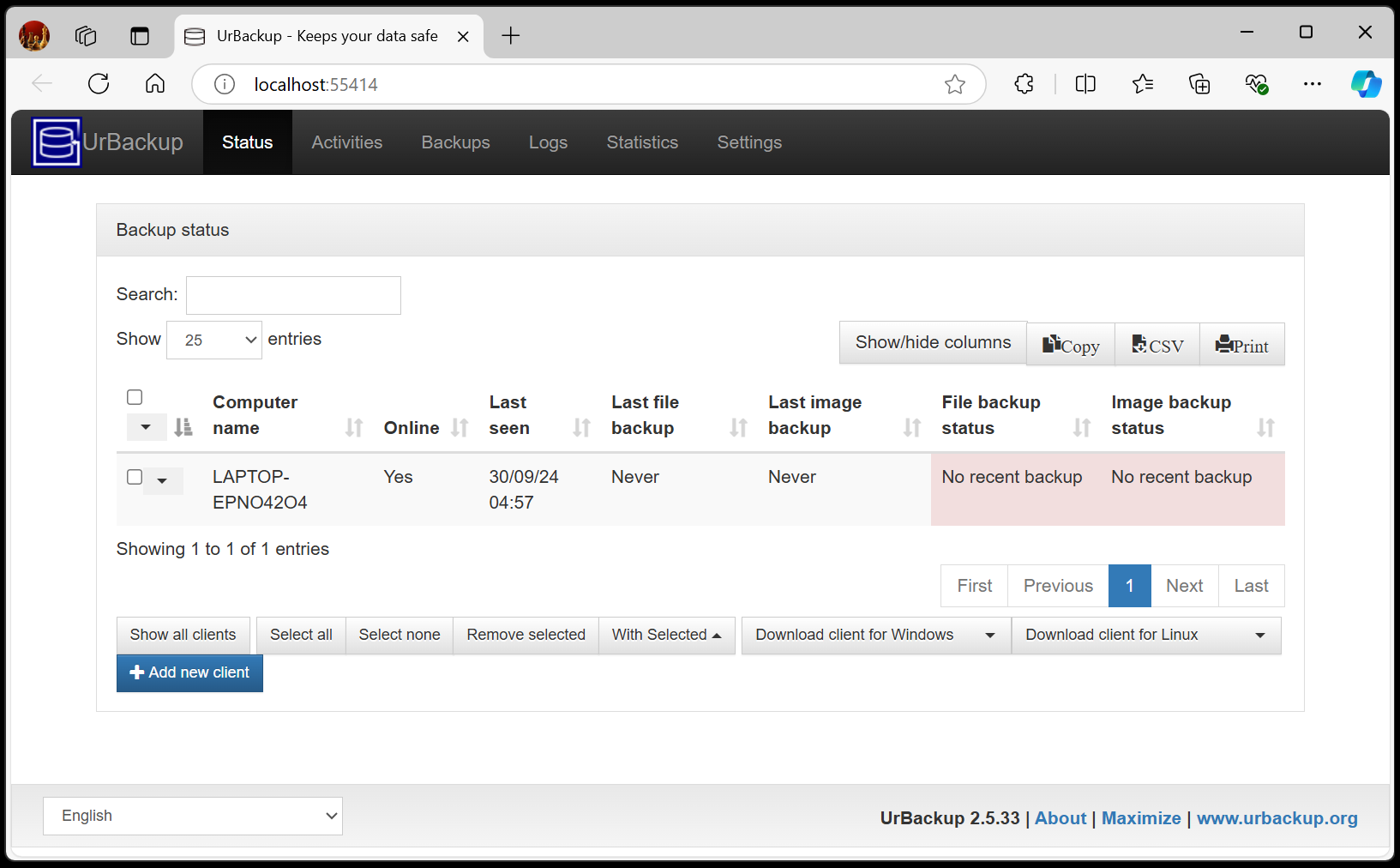
Key Features
File and Image Backups
Comprehensive backup solution combining both file-level and full disk image backups for complete data protection
Incremental Backup Technology
Fast incremental backups through continuous folder monitoring and change detection for optimal storage efficiency
Cross-Platform Support
Native support for Windows and Linux clients with web-based management interface
Bare Metal Recovery
Complete system restoration using bootable USB/CD for full disaster recovery capabilities
Web-Based Management
Intuitive web interface for server configuration, client management, and backup monitoring
Pros and Cons
Pros
Free and Open Source
No licensing costs with full source code availability and large user base of 21,000+ active server instances
Comprehensive Backup Types
Supports both file-level and full disk image backups in a single solution for complete data protection
Fast Incremental Backups
Continuous folder monitoring enables very fast incremental backups by quickly identifying changes
Easy Setup and Management
Web-based interface simplifies server setup and ongoing backup management
Bare Metal Recovery
Complete system restoration capabilities using bootable media for disaster recovery
Cons
Setup Complexity
Initial server configuration can be challenging, especially for cloud deployments
Limited Network Backup
Cannot backup network drives directly, requiring workarounds for network storage
Basic User Interface
Web interface lacks polish compared to commercial backup solutions
Community Support Only
No commercial support available, relies on community forums and documentation
Feature Comparison
Comments
No reviews yet. Be the first to share your experience with UrBackup.
Frequently Asked Questions
vendor