APT (Advanced Package Tool)
Patch Management
Alternative Vendors


Commercial Alternatives


Key Features
Signed Repositories
Verifies repository metadata against trusted keys before installing anything; APT 3.0 uses Sequoia for signature checks.
Non-Interactive Automation
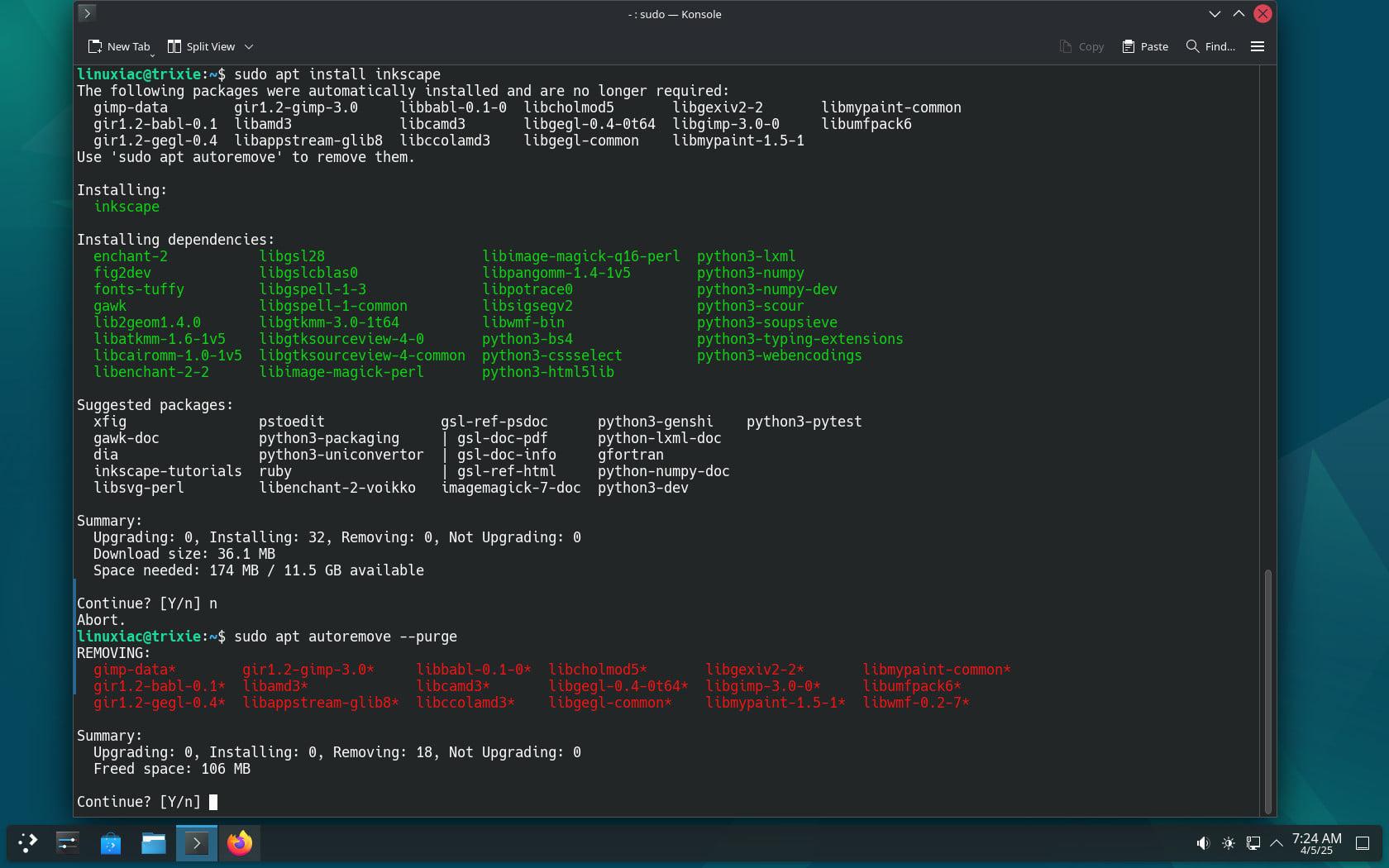
Runs unattended from scripts and configuration management with -y and DEBIAN_FRONTEND=noninteractive, and pairs with the unattended-upgrades package for automatic security updates.
Package History Logs
Records every install, upgrade and removal in /var/log/apt/history.log and term.log for troubleshooting and audits.
Automatic Dependency Resolution
Resolves package dependencies automatically. APT 3.0 adds solver3, a backtracking solver that handles conflicts more reliably.
Repository Management
Pulls packages from multiple configured repositories, including official mirrors, security archives and third-party sources, with pinning to control which version wins.
Package Database Integration
Searches and queries installed and available packages with apt search, apt show, apt list and apt-cache.
Pros and Cons
Pros
Completely Free and Built-in
Included by default in Debian, Ubuntu and their derivatives at no cost.
Robust Dependency Management
Automatic dependency resolution, improved in APT 3.0 with a backtracking solver, keeps installs and upgrades consistent.
Vast Software Repository
Debian and Ubuntu archives hold tens of thousands of packages, including security updates published by each distribution.
Easy to Script
Non-interactive flags make it simple to drive from RMM scripts, Ansible or cron for Linux patching.
Automatic Security Updates
Combined with unattended-upgrades it can apply security patches without a technician logging in.
Cons
Command-Line Interface
A terminal tool; graphical front ends such as Synaptic and GNOME Software exist separately.
Limited to Debian-Based Systems
Works only on Debian-based distributions; RHEL-family systems use dnf and other distributions their own managers.
No Central Management
Each host is managed on its own; fleet-wide patch reporting needs an RMM, Landscape or configuration management on top.
Feature Comparison
Comments
No reviews yet. Be the first to share your experience with APT (Advanced Package Tool).
Frequently Asked Questions
/vendor/apt-advanced-package-tool