
Chocolatey
Patch Management
Alternative Vendors


Commercial Alternatives


Key Features
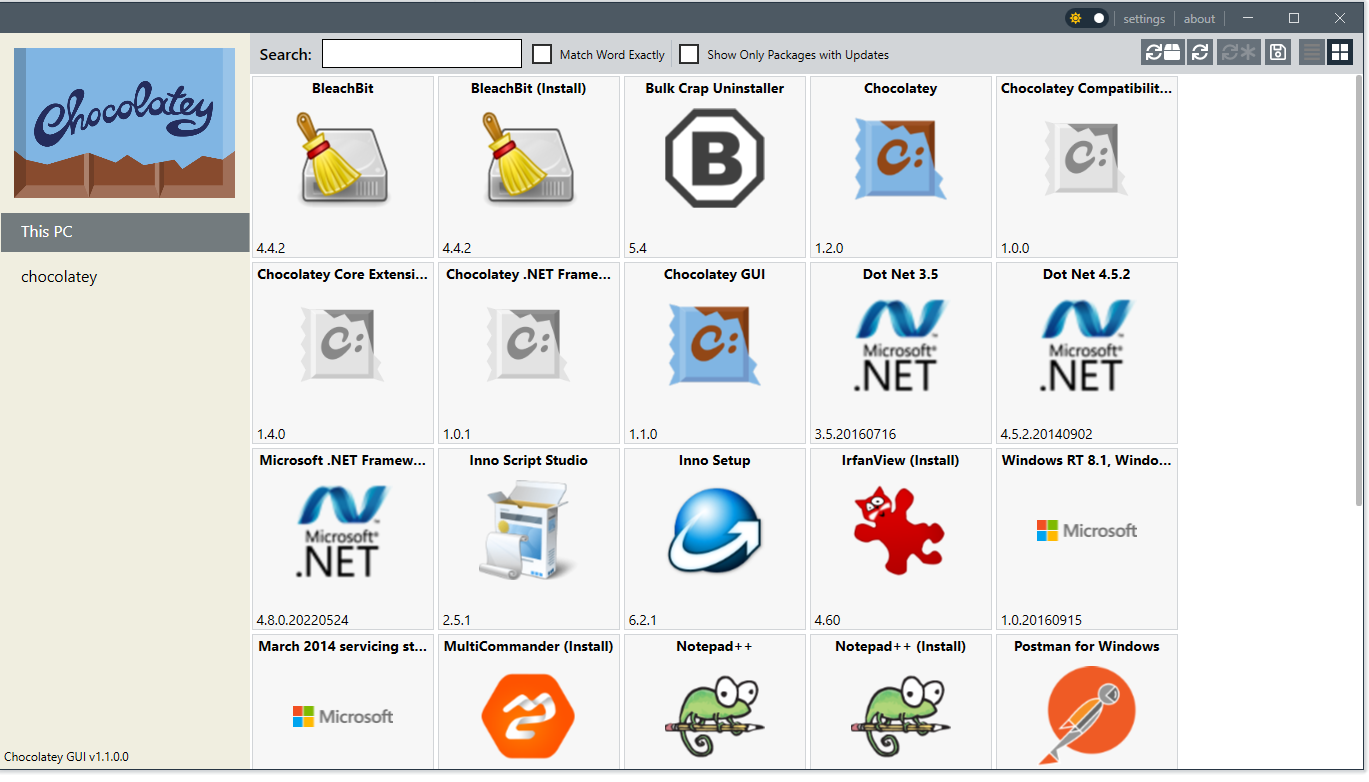
Largest Windows Package Repository
Access to over 9,500 community-maintained packages through Chocolatey Community Repository, covering virtually all Windows software applications
Automated Software Management
Streamlines installation, updating, configuration, and removal of software through simple command-line interface with PowerShell integration
DevOps Integration
Seamless integration with infrastructure automation tools like Puppet, Chef, Ansible, SCCM, and CI/CD pipelines for enterprise deployments
Enterprise Management Features
Chocolatey for Business provides Package Builder, Package Internalizer, Central Management dashboard, and Package Synchronizer for organizations
Pros and Cons
Pros
Largest Package Repository
Over 9,500 packages available, significantly more than competing Windows package managers
Strong DevOps Integration
Excellent integration with enterprise automation tools and CI/CD pipelines
Mature and Stable
Decade-long track record with proven reliability in enterprise environments
Cons
Windows Only
Limited to Windows platforms, unlike cross-platform alternatives
Enterprise Features Cost
Advanced features like Package Synchronizer and Central Management require paid licenses
Security Dependency
Relies on community packages which may have varying security review levels
Feature Comparison
Comments


Daria Popova • NetFlow Solutions
Jun 24, 2025
Excellent Windows package manager
Chocolatey transformed our Windows software deployment. Automated installs save hours per client. Business license adds useful features for MSP environments.


Matthew Evans • SecureLink MSP
Jun 19, 2025
Great for automated software installs
Chocolatey handles software installation consistently. Package repository is extensive. Makes building standardized workstation images much faster for clients.


Mason Hayes • DataFlow Partners
Jun 16, 2025
Streamlines Windows deployments
Using Chocolatey for consistent software packages across client workstations. Command line approach fits well with our automation scripts. Very reliable.
Frequently Asked Questions
vendor