
Syncthing
Cloud Backup Solutions
Alternative Vendors


Commercial Alternatives


Key Features
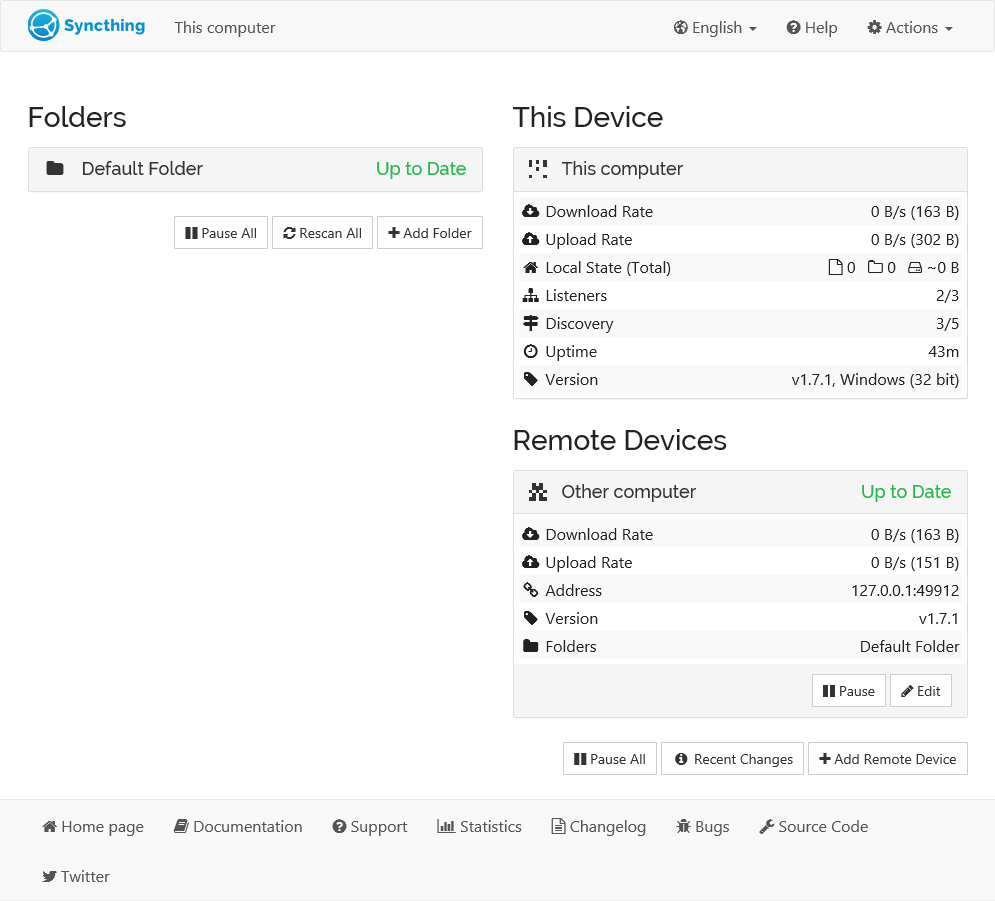
Peer-to-Peer Sync
Direct device-to-device synchronization without cloud servers or third-party services
Encrypted, Authenticated Connections
All communication uses TLS with perfect forward secrecy, and only devices you have explicitly approved by device ID can connect
Cross-Platform Support
Runs on Windows, macOS, Linux, FreeBSD, OpenBSD, Solaris and other platforms
Selective Sync
Choose which folders sync with which devices, and exclude files with ignore patterns
File Versioning
Trash can, simple, staggered and external versioning keep old copies of changed or deleted files
Untrusted Device Encryption
Folders can be shared to an untrusted device in encrypted form, so a remote server stores data it cannot read
Pros and Cons
Pros
Open Source Transparency
MPL-2.0 licensed with a documented open protocol, public issue tracker and frequent releases
Privacy Focused
No central server holds your data; files stay on the devices you choose
Easy Setup
Automatic local and global discovery, NAT traversal and relays mean devices connect with only a device ID
No License Cost
Free for any number of devices; Kastelo sells commercial support when needed
Cons
No Central Management
Each device is managed through its own web GUI or API; there is no multi-tenant console for managing client fleets
Limited Collaboration
Not designed for real-time collaboration or advanced document sharing workflows
Sync Is Not Backup
Deletions, ransomware encryption and mistakes replicate to every device unless versioning is configured
No Official Android App
The official Android app was discontinued in December 2024; only community forks remain, and there is no official iOS app
Feature Comparison
Comments
No reviews yet. Be the first to share your experience with Syncthing.
Frequently Asked Questions
/vendor/syncthing