Flamingo Raises $4.5M to Get MSPs Out of the Ticket Queue · Our seed round, led by Vertex Ventures, funds OpenFrame: open-source tools plus AI agents that answer tickets with technician oversight.

PowerShell
Automation and Scripting
Alternative Vendors


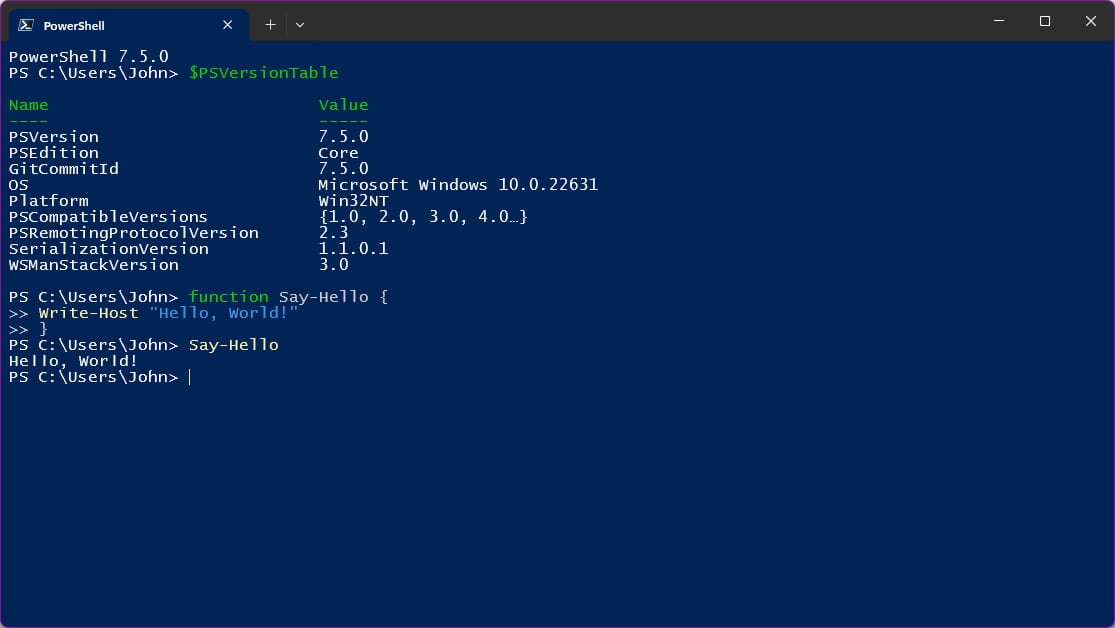
Key Features
Object-Based Automation
Unlike traditional shells that work with text, PowerShell works with .NET objects, providing rich data manipulation and pipeline capabilities.
Cross-Platform Support
PowerShell Core runs on Windows, Linux, and macOS, enabling consistent automation across diverse environments.
Extensive Integration
Deep integration with Microsoft ecosystem including Azure, Office 365, Active Directory, and thousands of third-party modules.
Advanced Scripting
Full scripting language with functions, classes, error handling, and debugging capabilities for complex automation scenarios and enterprise management tasks.
Pros and Cons
Pros
Microsoft Ecosystem Integration
Unparalleled integration with Microsoft technologies including Windows, Azure, Office 365, and Active Directory with native cmdlets and modules.
Object-Oriented Pipeline
Works with rich .NET objects instead of plain text, enabling sophisticated data manipulation and reducing parsing complexity.
Extensive Community
Large community with thousands of modules, scripts, and resources available through PowerShell Gallery and GitHub.
Cons
Learning Curve
Steep learning curve for those unfamiliar with object-oriented concepts and Microsoft technologies, especially for non-Windows administrators.
Performance Overhead
Can be slower than native shell scripts or compiled tools for simple tasks due to .NET framework overhead.
Version Fragmentation
Multiple versions (Windows PowerShell 5.1, PowerShell Core 6.x, PowerShell 7.x) with compatibility issues between versions.
Feature Comparison
Comments


Levi Sanders • SecureOps Technologies
Jun 13, 2025
Essential Windows automation tool
PowerShell streamlines Windows system administration across client environments. Scripting capabilities are powerful and integration with Windows ecosystem is seamless.

Yuna Takahashi
Jun 12, 2025
Powerful configuration management
Using PowerShell for client system configuration and automation. Command-line interface is comprehensive and task automation saves significant time.


Sienna D'Amico • NetReliable Hub
Jun 11, 2025
Great for Windows environments
PowerShell handles configuration management effectively for Windows-heavy client environments. Cross-platform support has improved and learning resources are extensive.