
OpenVPN
Zero Trust Network Access (ZTNA)


Commercial Alternatives


Key Features
SSL/TLS VPN
Encrypted tunnels over SSL/TLS on UDP or TCP, which pass through most firewalls
Remote Access and Site-to-Site
Connect individual users or whole networks, routed or bridged
Access Server Admin UI
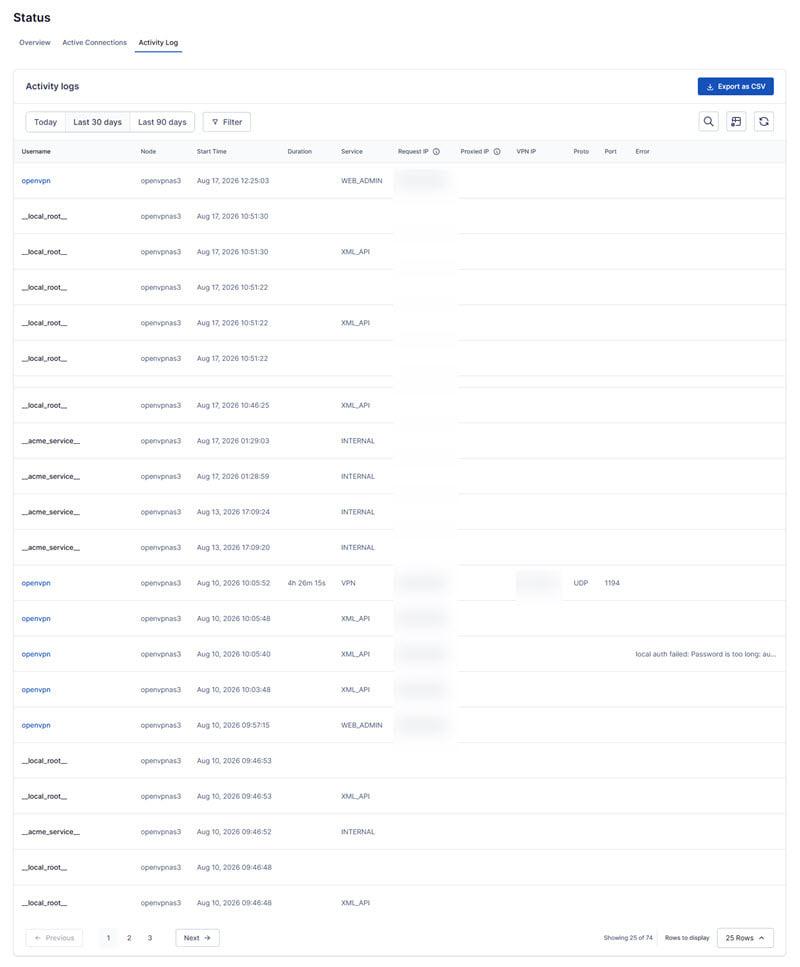
Web interface for users, groups, access control, certificates and activity logs on the self-hosted Access Server
Authentication Options
Certificates, local users, LDAP, RADIUS and SAML, with built-in TOTP MFA on Access Server
CloudConnexa
Hosted cloud VPN and zero-trust network service with connectors, domain-based routing and device posture checks
Cross-Platform Clients
OpenVPN Connect clients for Windows, macOS, Linux, iOS and Android
Pros and Cons
Pros
Free open-source core
OpenVPN Community is GPLv2 and free with no user limit
Mature and widely supported
Long-established protocol supported by most routers, firewalls and VPN clients
Self-hosted or cloud
Choose self-hosted Community or Access Server, or the hosted CloudConnexa service
Published pricing
Access Server and CloudConnexa list prices per connection or seat on the website
Enterprise authentication
Access Server supports LDAP, RADIUS, SAML and built-in MFA
Cons
No MSP multi-tenant console
Each client needs its own server or CloudConnexa account; there is no central MSP view
Community edition is manual
Certificates, routing and client configs are managed by hand in config files
Free tiers are small
Access Server is free for only 2 simultaneous connections and CloudConnexa Starter for 5 seats
Slower than WireGuard
Userspace TLS adds overhead compared with WireGuard unless data channel offload is used
Feature Comparison
Comments
No reviews yet. Be the first to share your experience with OpenVPN.
Frequently Asked Questions
/vendor/openvpn