
Prisma Access
Zero Trust Network Access (ZTNA)


Commercial Alternatives


Key Features
Firewall as a service
Palo Alto next-generation firewall inspection delivered from the cloud for users and branch sites.
Secure web gateway and DNS security
URL filtering, DNS security and threat prevention for internet traffic, via agent or explicit proxy.
ZTNA to private applications
Identity- and posture-based access to private apps through ZTNA connectors instead of a VPN concentrator.
Advanced threat prevention and WildFire
Inline threat prevention and cloud sandboxing for unknown files.
CASB and enterprise DLP
Visibility and control for SaaS apps and data loss prevention across web and SaaS traffic.
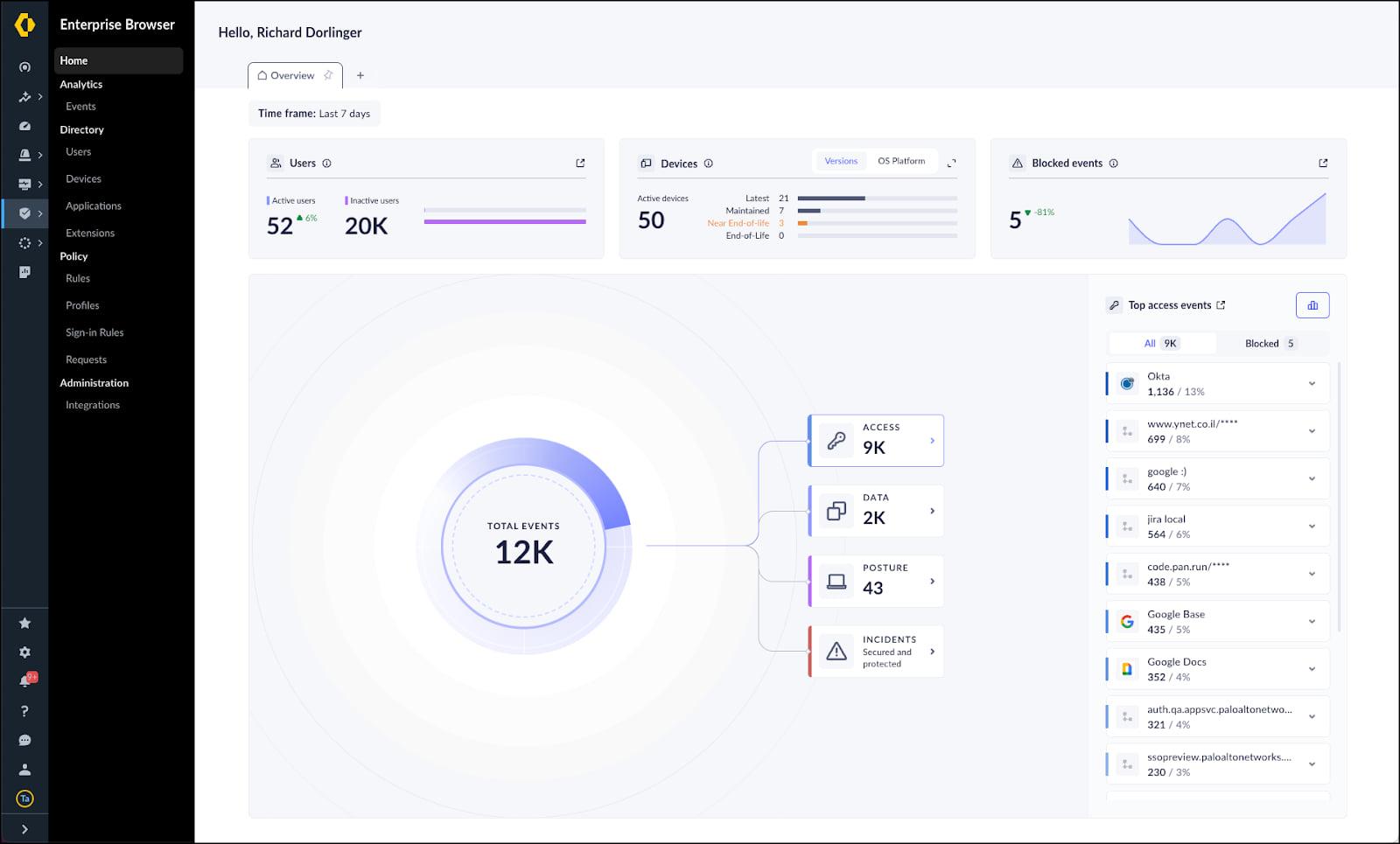
Prisma Access Browser
Secure enterprise browser that extends policy to unmanaged and contractor devices.
Pros and Cons
Pros
Full SASE security stack
Firewall, SWG, ZTNA, CASB and DLP from one vendor and one policy model.
Strong threat prevention
Uses the same inspection engines and threat intelligence as Palo Alto's firewalls.
Covers users and branches
Mobile users and remote networks are protected by the same cloud service.
Unmanaged device coverage
Prisma Access Browser handles contractors and BYOD without an agent.
MSSP program
Palo Alto offers MSSP licensing and multi-tenant management.
Cons
High, quote-only cost
No public prices; licensing per user and per site bandwidth is expensive for small customers.
Complex to design and operate
Many services, edition differences and management options require experienced engineers.
Strong Palo Alto ecosystem tie-in
Works best alongside other Palo Alto products, which raises switching costs.
Cloud only
No self-hosted option; on-premises enforcement needs separate Palo Alto firewalls.
Feature Comparison
Comments
No reviews yet. Be the first to share your experience with Prisma Access.
Frequently Asked Questions
/vendor/palo-alto-prisma-access