ManageEngine MDM Plus
Mobile Device Management


Key Features
Cross-Platform Device Management
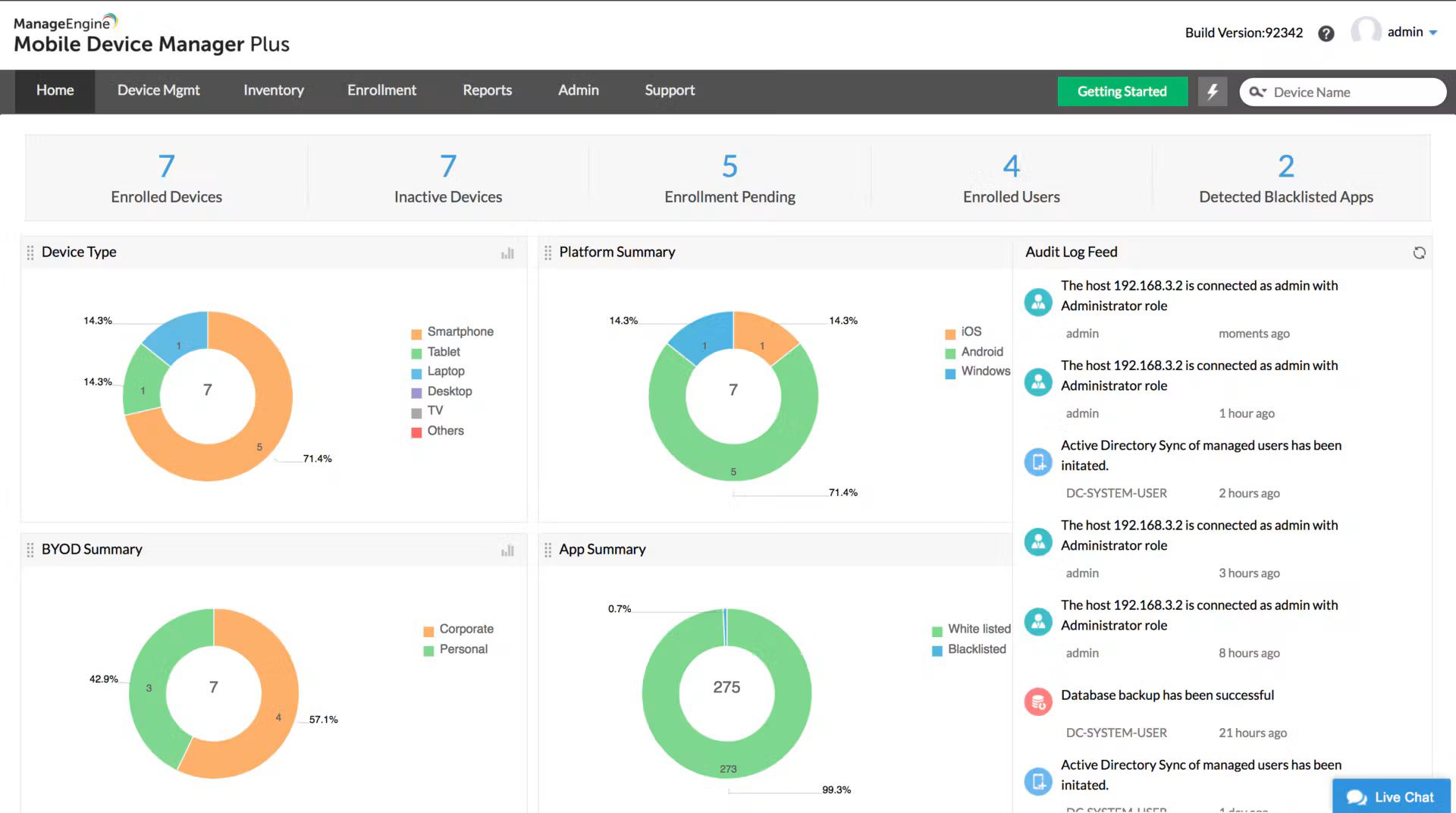
Manage iOS, iPadOS, Android, Windows, macOS, ChromeOS and tvOS devices from one console
Mobile Application Management
Distribute store and in-house apps through an app catalog, with silent installation, updates and app blocklists
Email and Content Management
Configure email accounts and distribute documents securely to managed devices
Conditional Exchange Access
Allow only managed, compliant devices to access Exchange and Microsoft 365 email
Remote Device Control
Remote lock, wipe, screen control, and troubleshooting capabilities
Zero-Touch Enrollment
Bulk enrollment through Apple Business Manager, Android zero-touch, Samsung Knox Mobile Enrollment and Windows Autopilot
Pros and Cons
Pros
Comprehensive UEM Solution
Covers phones, tablets and laptops across iOS, Android, Windows, macOS and ChromeOS in one console
Free Edition
Fully featured free edition for up to 25 devices
Flexible Deployment Options
Available on-premises (annual or perpetual license) or as a cloud subscription
Published, Low Pricing
Prices are published and start at $495 per year for 50 devices on-premises, with lower per-device cost at scale
MSP Edition Available
A multi-tenant MSP edition manages all client devices from one console with shared policy templates
Cons
Separate MSP Product
Multi-client management needs the separate Mobile Device Manager Plus MSP edition; the standard product is single-organization
Steep Learning Curve
Feature-rich interface requires training and expertise to fully utilize
Technician Add-ons Cost Extra
Each plan includes one technician; more admins are billed separately (from $345 per year on-premises)
Feature Comparison
Comments
No reviews yet. Be the first to share your experience with ManageEngine MDM Plus.
Frequently Asked Questions
/vendor/manageengine-mdm-plus