
Microsoft 365
Productivity and Collaboration Suites
Commercial Alternatives

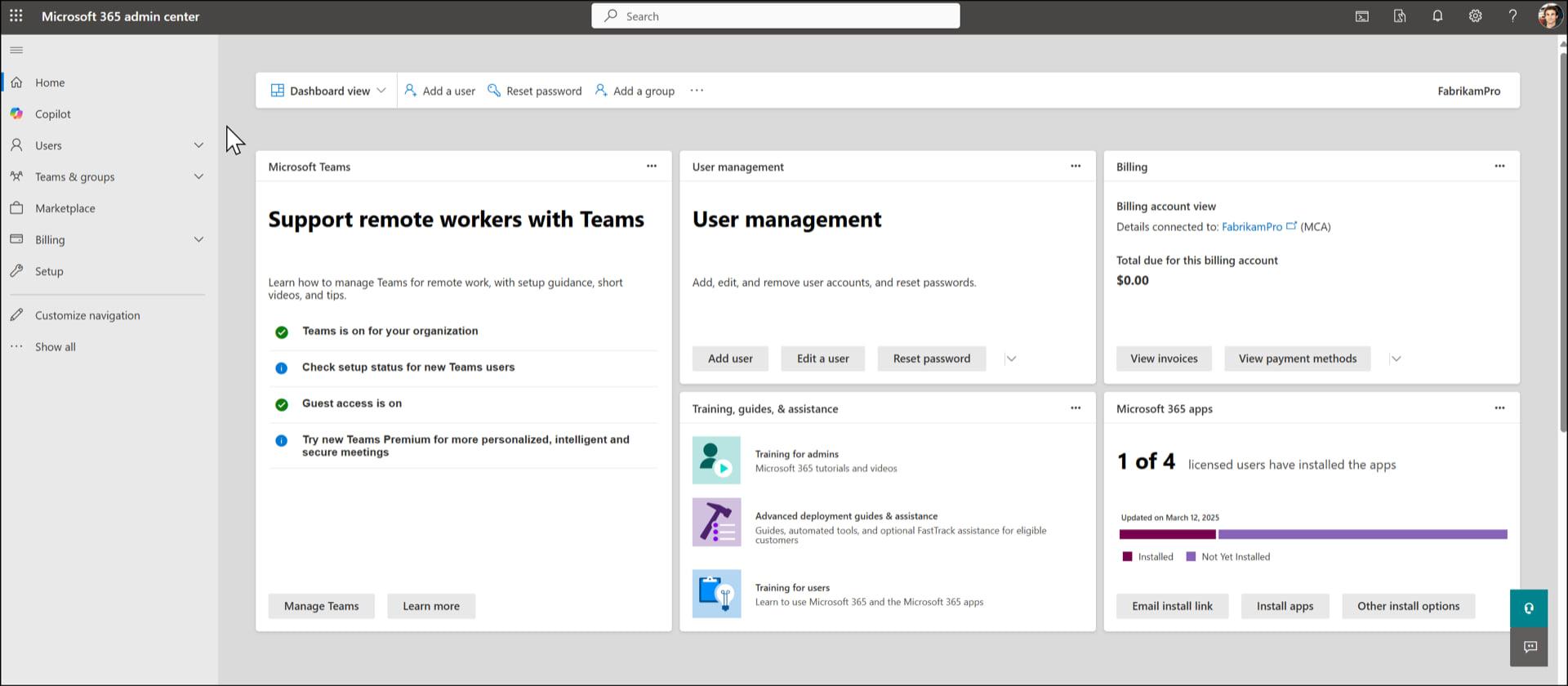
Key Features
Exchange Online and Office Apps
Business email, Word, Excel, PowerPoint and Outlook on every device
Teams, SharePoint and OneDrive
Chat, meetings, intranet sites and file storage with per-site and per-file sharing rules
Entra ID and Conditional Access
Identity, MFA and sign-in rules by user, device, location and risk
License Management
Assign, move and reclaim licenses per user or by group
Intune Device Management
Enroll and configure Windows, macOS, iOS and Android devices, included in Business Premium
Defender and Secure Score
Threat protection for mail and endpoints, plus a score that tracks each tenant's security posture
Pros and Cons
Pros
The Default Business Suite
Most clients already run on it, and staff already know the apps
Deep Security and Compliance
Conditional Access, Intune, Defender and Purview cover identity, devices, threats and data
Built for Partners
GDAP, Partner Center and Lighthouse give MSPs delegated access to client tenants
Everything Is in Graph
Nearly every admin task can be automated through the Microsoft Graph API
Cons
Too Many Portals
Admin work is split across the admin center, Entra, Exchange, Teams, SharePoint, Intune, Defender and Purview
Frequent Changes
Portals, names and settings move often, so documentation and runbooks age quickly
Lighthouse Has Limits
The multi-tenant view covers eligible plans and a subset of tasks, not full administration
Licensing Is Hard to Follow
Many plans and add-ons, key security features sit only in Business Premium or E5, and list prices for Business Basic and Standard rose on July 1, 2026.
Feature Comparison
Comments
No reviews yet. Be the first to share your experience with Microsoft 365.
Frequently Asked Questions
/vendor/microsoft-365