
Microsoft Entra ID (formerly Azure Active Directory)
Identity and Access Management (IAM)
Alternative Vendors


Commercial Alternatives


Key Features
Microsoft 365 Integration
Native identity for Microsoft 365, Teams, SharePoint and Azure, with single sign-on to thousands of SaaS apps through SAML, OIDC and OAuth 2.0
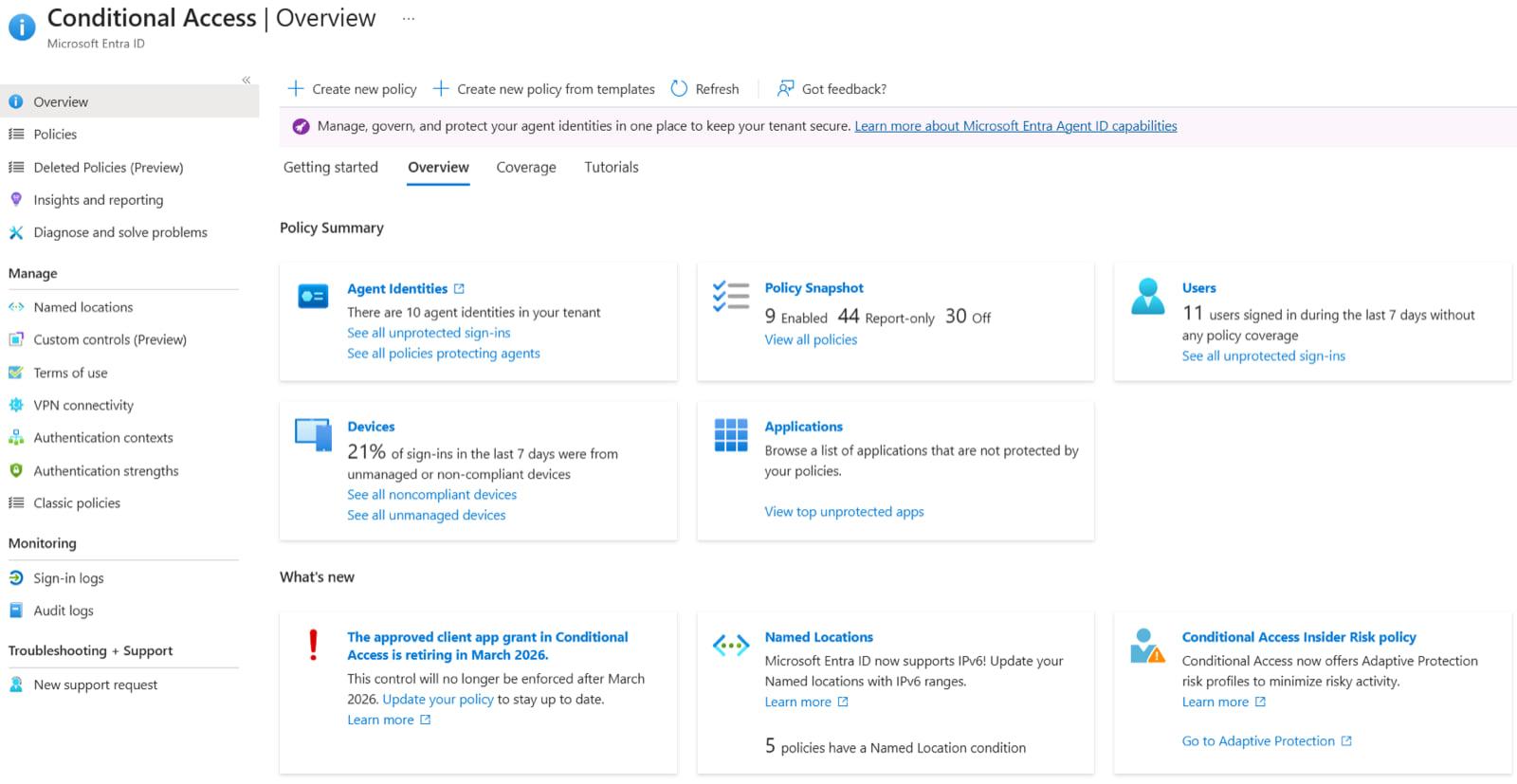
Conditional Access Policies
Policies evaluate user, device compliance, location and risk to require MFA, block access or limit sessions (Entra ID P1)
Privileged Identity Management
Just-in-time, time-limited and approval-based admin role activation with audit history (Entra ID P2)
ID Protection & Risk Detection
Detects risky sign-ins and compromised accounts and feeds risk into Conditional Access (Entra ID P2)
Entra External ID
Customer and partner identity with core features free for the first 50,000 monthly active users
Hybrid Identity with Entra Connect
Synchronizes on-premises Active Directory users and groups, with password hash sync, pass-through authentication or federation
Pros and Cons
Pros
Already in Every Microsoft 365 Tenant
Customers on Microsoft 365 already have a directory, and Business Premium includes P1
MSP Delegated Administration
GDAP, Microsoft 365 Lighthouse and multitenant tools let MSPs manage many customer tenants
Deep Microsoft Integration
Seamless integration with Microsoft 365, Azure, and Windows environments, providing unified identity management across the entire Microsoft ecosystem with minimal configuration required.
Massive Scale and SLA
Global Microsoft cloud service with a 99.99% availability SLA for paid editions
Advanced Security Features
Conditional Access, ID Protection, Privileged Identity Management and governance, depending on license tier
Cons
Renamed Products
Azure AD became Entra ID in 2023, so older documentation and scripts use outdated names
Cloud Only
No self-hosted option; on-premises Active Directory remains a separate product
Microsoft Ecosystem Lock-in
Works best within Microsoft environments, potentially limiting flexibility for organizations using diverse technology stacks or preferring vendor-neutral solutions.
Complexity and Learning Curve
Extensive feature set can be overwhelming for smaller organizations, requiring significant expertise to configure properly and ongoing training to manage effectively.
Licensing Complexity
Free, P1, P2, Suite and add-ons decide which features each customer has; Conditional Access alone needs P1 on every user
Feature Comparison
Comments
No reviews yet. Be the first to share your experience with Microsoft Entra ID (formerly Azure Active Directory).
Frequently Asked Questions
/vendor/azure-active-directory