Rescuezilla
Software Solution
Key Features
Bootable Live Environment
Runs from a USB stick or CD without installation, so systems can be backed up or restored when Windows will not boot
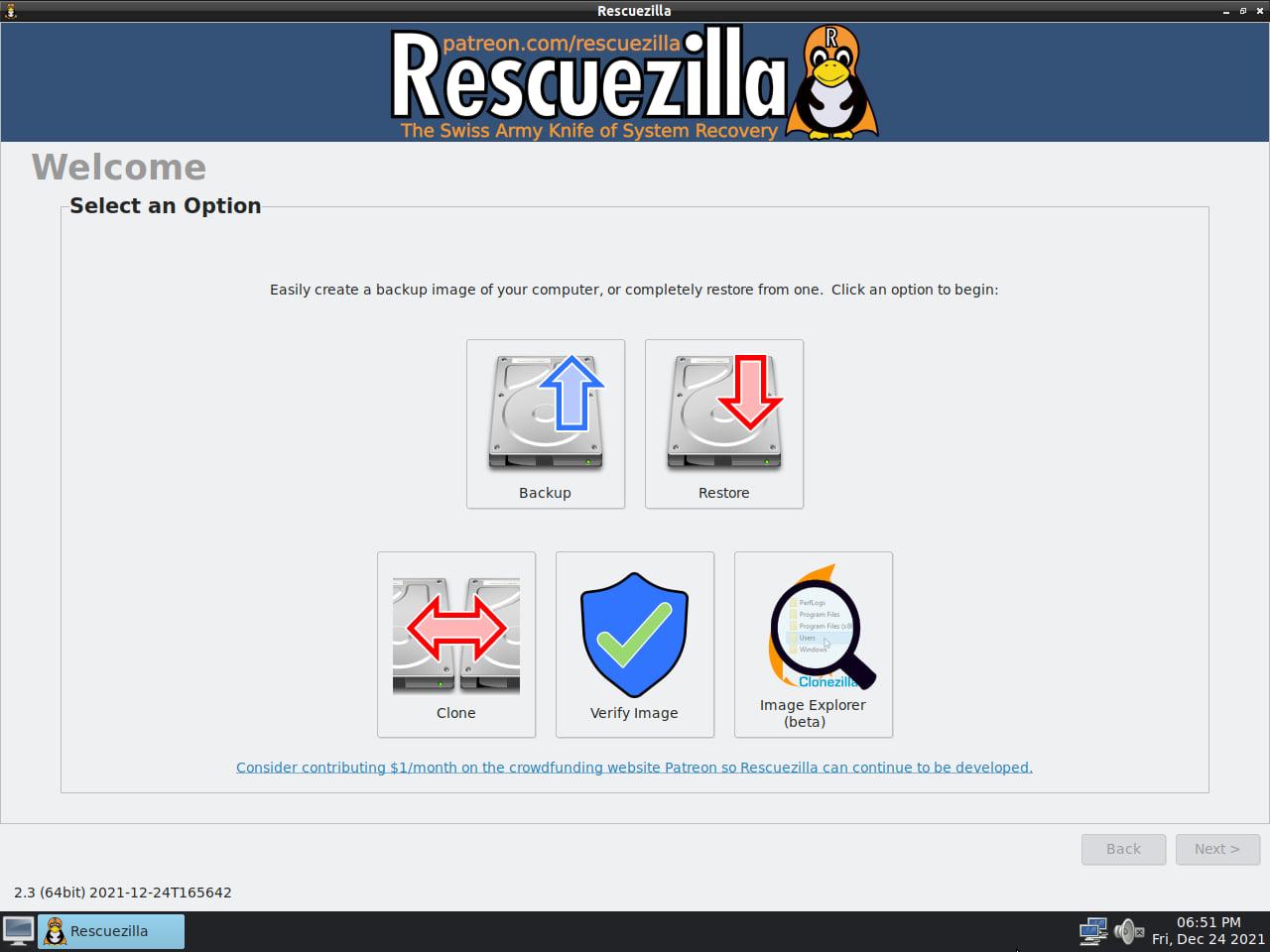
Backup and Restore
Point-and-click full disk and partition image backup and bare-metal restore
Disk-to-Disk Cloning
Clone one drive directly to another, for example when replacing a failing or smaller disk
Clonezilla Compatibility
Images are fully interoperable with Clonezilla, the widely used open-source imaging tool
Virtual Disk Image Support
Restores or explores images made by VirtualBox, VMware, Qemu and other open-source imaging frontends
Image Explorer
Mount a backup image and copy individual files out of it (beta)
Pros and Cons
Pros
Free and Open Source
GPL-3.0 licensed with no licence cost for commercial use
Easy Graphical Interface
Point-and-click workflow that technicians can use without Clonezilla's text menus
Works When the OS Will Not Boot
Boots its own environment from USB, so recovery does not depend on the installed system
Clonezilla-Compatible Images
Backups can be restored with Clonezilla and vice versa, avoiding a proprietary format
Cross-Platform Targets
Images Windows, Mac and Linux machines from the same USB stick
Cons
One Machine at a Time
No central console, agent, scheduling or reporting; each backup is run by hand at the device
No Multi-Tenancy or Fleet Features
Not suited to managed, scheduled backups across many MSP clients
Community Support Only
No commercial support or SLA; help comes from the project's GitHub issues and community
Physical or Console Access Needed
Requires booting the machine from USB, which is hard to do for remote endpoints
Feature Comparison
Comments
No reviews yet. Be the first to share your experience with Rescuezilla.
Frequently Asked Questions
/vendor/rescuezilla